
VMWare - Fix VMware View Horizon the redo log of .vmdk is corrupt
September 29, 2026
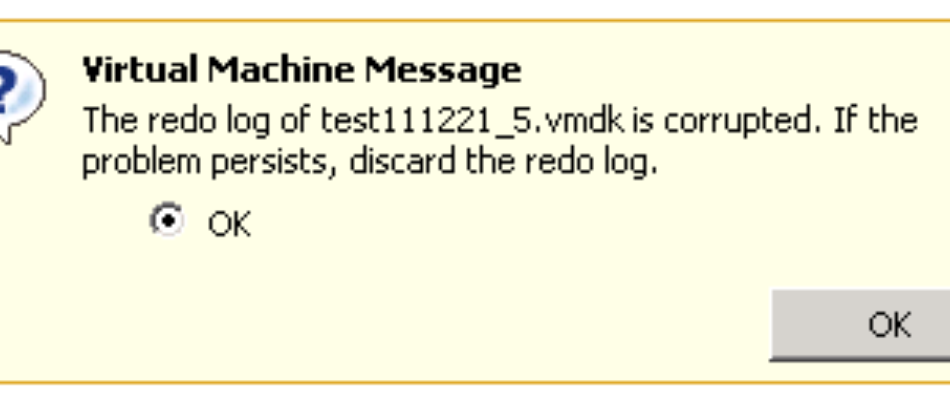
To disable the VAAI on the host follow the following steps:
- Open Vsphere Client and connect to Vcenter Server.
- Navigate to the ESXi Host and then Click on the Configuration Tab.
- Click on Advanced Settings.
- Click on DataMover.
- Change the value of DataMover.HardwareAcceleratedMove setting from 1 to 0.
- Change the value of DataMover.HardwareAcceleratedInit setting from 1 to 0.
- Click on VMFS3.
- Change the value of VMFS3.HardwareAcceleratedLocking setting from 1 to 0.
- Click Ok.
- Repeat the steps 1-9 on all ESXi Hosts in the cluster.
This should resolve the error once and for all. More info about VAAI can be found here.
Source link here